
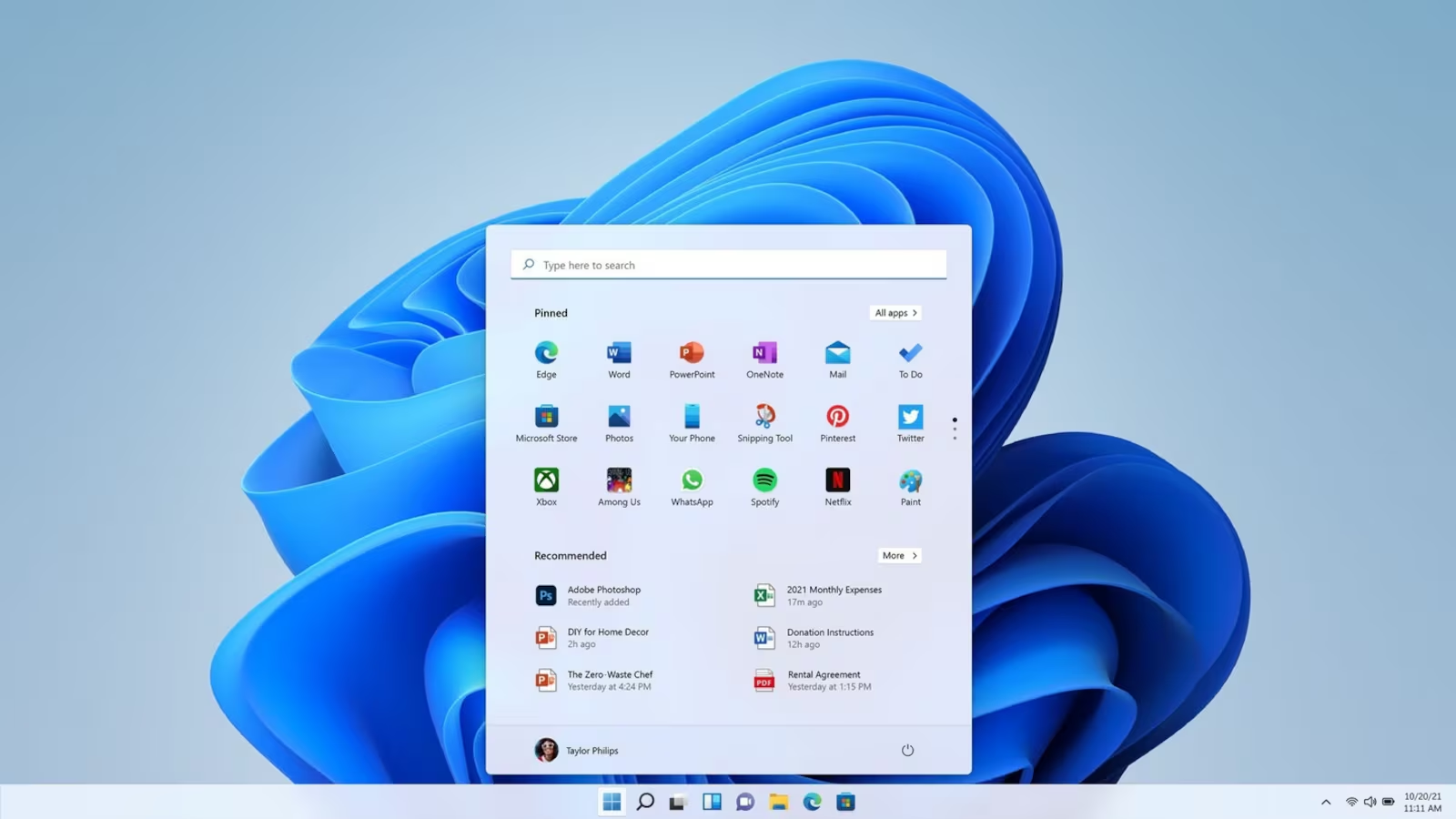
A Windows Golden Image is a deployment-ready Windows installation that has been configured, serviced, and validated before being deployed to multiple devices.
Also known as a master image or reference image, a golden image typically contains:
- Windows operating system
- Security updates and patches
- Device drivers
- Business applications
- Corporate settings and policies
- Custom branding and configuration
Rather than manually configuring every new PC, IT teams deploy the golden image to multiple devices, ensuring a consistent, secure, and predictable user experience.
- Why Use a Windows Golden Image?
- What Should a Windows Golden Image Include?
- Thick Images vs Thin Images
- What Makes a Good Windows Golden Image?
- Why Many Organisations Struggle with Golden Images
- Let ArkDeploy Handle the Hard Work
- The Most Common Golden Image Mistakes
- How Often Should You Update a Golden Image?
- Frequently Asked Questions
- What is the difference between a golden image and a master image?
- Are golden images still relevant with Intune and Autopilot?
- Should I build a golden image on physical hardware or a virtual machine?
- How often should a golden image be updated?
- Why is WinRE important in a golden image?
- Can a Windows Golden Image be used on different hardware?
- Conclusion
Why Use a Windows Golden Image?
Without a golden image, every device must be configured individually.
This means:
- Deploy devices faster
- Standardise configurations
- Reduce support issues
- Improve security compliance
- Simplify device refresh projects
- Deliver a consistent user experience
Repeating these steps for dozens or hundreds of devices quickly becomes time-consuming and introduces inconsistencies.
A properly maintained golden image allows organisations to:
- Installing Windows
- Applying updates
- Installing applications
- Configuring settings
- Removing unwanted software
- Testing functionality
For schools, businesses, OEMs and managed service providers, golden images remain one of the most effective ways to streamline Windows deployment.
What Should a Windows Golden Image Include?
The exact contents depend on the deployment strategy, but most modern Windows images include:
Updated Windows Installation
The operating system should be fully serviced before deployment, including:
- Servicing Stack Updates (SSU)
- Latest Cumulative Updates (LCU)
- .NET Updates
- Microsoft Defender Platform Updates
- Microsoft Defender Security Intelligence Updates
- Safe OS Updates for the Windows Recovery Environment (WinRE)
Keeping these components current reduces deployment time and improves security from first boot. Proper servicing also ensures the recovery environment remains aligned with the installed operating system, helping to prevent reset, recovery and feature update issues later in the device lifecycle.
Business Applications
Common examples include:
- Microsoft Office
- Microsoft Teams
- Adobe Reader
- Google Chrome
- VPN clients
- Line-of-business applications
Applications that are required on every device are often included directly in the image.
Drivers
Driver strategy depends on the environment.
Some organisations inject only basic drivers into the image and deploy model-specific drivers separately. Others build hardware-specific images for tightly controlled environments.
Modern deployment frameworks often separate the operating system image from hardware drivers to improve flexibility across multiple device models.
Custom Configuration
This may include:
- Regional settings
- Power settings
- User interface customisations
- Start menu layouts
- Security baselines
- Local policies
- Registry configuration
The goal is to deliver devices that are immediately ready for use.
Thick Images vs Thin Images
Golden images generally fall into one of three categories.
Thick Images
A thick image contains:
- Windows
- Applications
- Drivers
- Configuration
- Customisations
Almost everything required is embedded into the image itself.
Advantages
- Fast deployment
- Minimal post-install configuration
Disadvantages
- Less flexibility across hardware platforms
- Larger image size
- More maintenance
Thin Images
A thin image contains only the operating system and a minimal set of configurations.
Applications, drivers and settings are deployed separately after installation.
Advantages
- Smaller image size
- Easier maintenance
- Greater flexibility
Disadvantages
- Longer deployment process
- More deployment infrastructure required
Hybrid Images
Most modern organisations use a hybrid approach.
The image contains:
- Windows
- Core applications
- Essential configuration
Additional applications, drivers and policies are deployed afterwards using tools such as Microsoft Intune, Microsoft Configuration Manager or custom deployment frameworks.
What Makes a Good Windows Golden Image?
Many organisations build an image once and never revisit it.
Unfortunately, Windows images begin to age immediately.
A high-quality golden image should be:
Fully Updated
Every deployment should start from a current build of Windows.
Deploying outdated images creates unnecessary patching work and increases security risk.
Hardware Independent Where Possible
Using a virtual machine as the reference environment helps remove hardware-specific dependencies and makes image maintenance easier.
Properly Tested
Before deployment, images should be validated for:
- Application compatibility
- Security compliance
- Update installation
- Driver functionality
- Recovery operations
Free From Sensitive Data
A master image should never contain:
- User accounts
- Passwords
- Certificates
- API keys
- Personal files
These items should be deployed separately after imaging.
Why Many Organisations Struggle with Golden Images
On paper, building a Windows golden image sounds straightforward. In reality, creating a high-quality deployment image can be surprisingly complex and time-consuming.
Modern Windows images require far more than simply installing Windows and capturing a WIM file.
A properly engineered image should include:
- Current Windows updates
- Servicing Stack Updates (SSU)
- Latest Cumulative Updates (LCU)
- .NET updates
- Microsoft Defender updates
- Safe OS updates for WinRE
- Application integration
- Driver management
- Recovery testing
- Push Button Reset validation
- OOBE testing
- Deployment testing
Every component must be tested to ensure it works correctly both during deployment and after the device enters production.
Many IT teams simply don’t have the time, lab infrastructure or specialist knowledge required to maintain a reliable image. Even small mistakes can result in:
- Failed deployments
- Broken recovery environments
- Missing updates
- Application issues
- Windows Reset failures
- Increased support calls
For organisations that only build or update images occasionally, the learning curve can be frustrating and expensive.
Let ArkDeploy Handle the Hard Work
ArkDeploy was created to remove the complexity from Windows image engineering.
Instead of spending hours or days building, updating and validating images internally, you receive a deployment-ready Windows image built using proven OEM-level servicing practices.
Every image is:
- Built from clean Microsoft installation media
- Fully serviced offline
- Updated with current Windows, Defender and WinRE components
- Tested before delivery
- Delivered as a deployment-ready WIM or ESD
Whether you’re refreshing a school computer suite, deploying devices across a business, or preparing systems for manufacturing, ArkDeploy allows your team to focus on deployment rather than image maintenance.
The Most Common Golden Image Mistakes
Capturing a Physical Device
Building images on physical hardware often introduces unwanted drivers and device-specific configurations.
Using a clean virtual machine is generally considered best practice.
Reusing Images for Years
Windows servicing changes constantly.
An image built six months ago may already contain outdated components, security vulnerabilities or recovery issues.
Ignoring WinRE
Many organisations update Windows but forget the Windows Recovery Environment (WinRE).
This can cause:
- Failed recovery operations
- Recovery partition issues
- Update failures
- Security compliance problems
Breaking Push Button Reset
Customisations that are not engineered correctly often disappear after a Windows reset.
A properly built image should preserve intended customisations while maintaining full recovery functionality.
How Often Should You Update a Golden Image?
Tools such as Microsoft Intune and Windows Autopilot have changed how organisations deploy devices, but they have not eliminated the need for golden images.
A well-engineered image can still:
- Reduce deployment times
- Remove unwanted software
- Deliver consistent configurations
- Simplify large-scale rollouts
Many organisations now combine modern management platforms with a carefully maintained golden image to achieve the best balance of speed and flexibility.
Have a question?
Frequently Asked Questions
What is the difference between a golden image and a master image?
Nothing. The terms golden image, master image and reference image are often used interchangeably to describe the deployment-ready source image used to provision devices.
Are golden images still relevant with Intune and Autopilot?
Yes. Intune and Autopilot simplify provisioning and management, but many organisations still use golden images to reduce deployment times, standardise applications and remove unnecessary software before devices reach end users.
Should I build a golden image on physical hardware or a virtual machine?
A virtual machine is generally recommended because it avoids hardware-specific drivers and produces a cleaner, more portable image.
How often should a golden image be updated?
Most organisations should review and update images monthly to keep Windows updates, Microsoft Defender components and recovery environment updates current.
Why is WinRE important in a golden image?
WinRE provides Windows recovery and reset functionality. If WinRE is outdated, incorrectly configured or your WinRE recovery partition is correctly sized, then recovery operations, feature updates and Push Button Reset may fail.
Can a Windows Golden Image be used on different hardware?
A Windows Golden Image can often be deployed across multiple hardware models, provided the correct drivers are available during deployment. Modern versions of Windows are generally hardware-agnostic, but organisations with diverse device fleets may choose to maintain separate driver packages or model-specific images to simplify deployment and support.
Conclusion
A Windows Golden Image is the foundation of a reliable deployment strategy.
When properly engineered and maintained, it allows organisations to deploy devices faster, maintain consistency, improve security and reduce support overhead.
The challenge is that building and maintaining high-quality Windows images takes time, expertise and ongoing effort.
ArkDeploy removes that complexity by delivering deployment-ready Windows images that are fully serviced, tested and validated before delivery, allowing your team to focus on deployment rather than image engineering.

Leave a Reply