
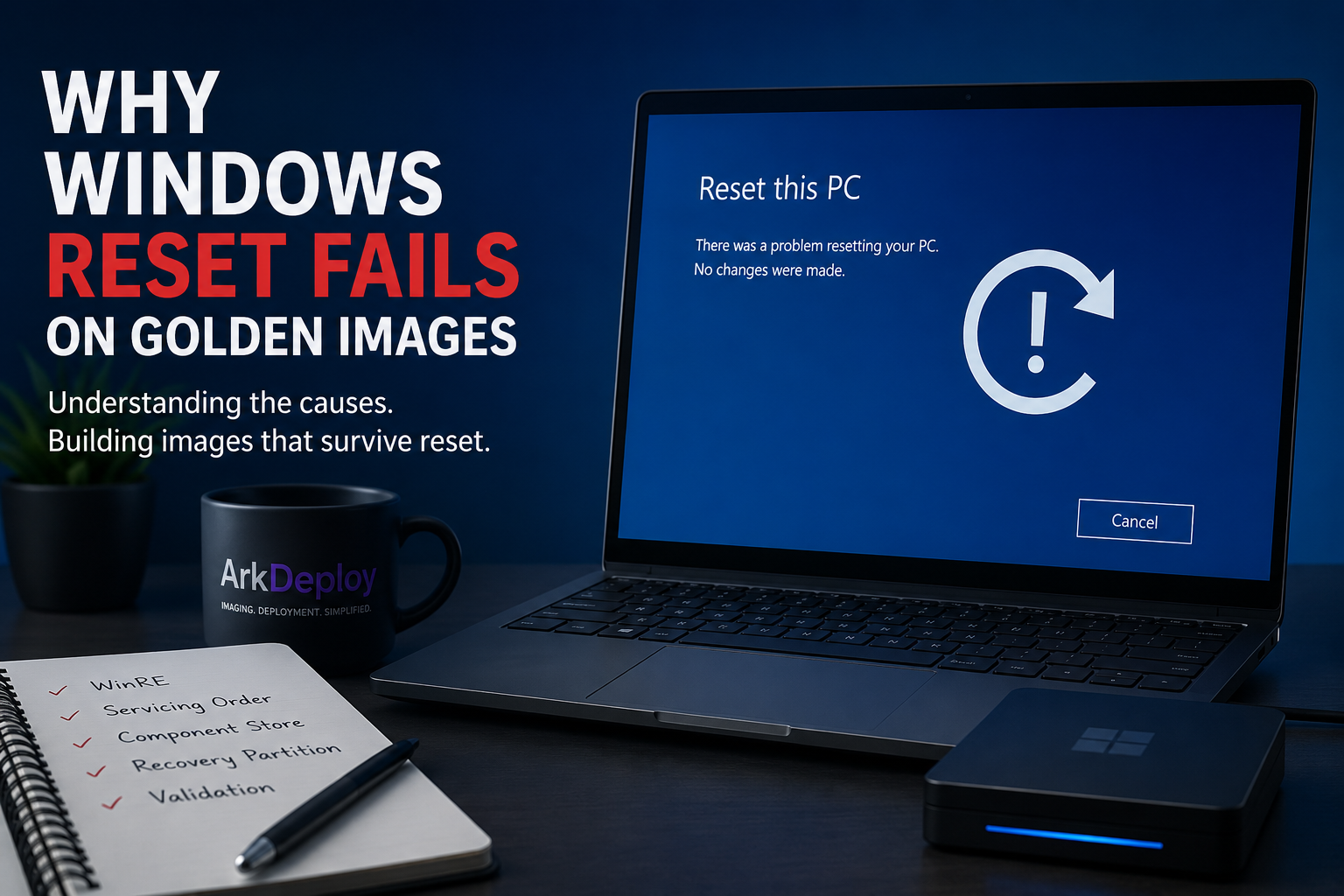
It’s common to see this Windows reset fails:
- A custom golden image image deploys successfully.
- The system runs normally.
- Everything appears stable.
- Weeks later, someone selects “Reset this PC.”
- The Push Button Reset fails or completes with unexpected issues.
This problem is more common than many administrators realise.
Custom Windows images often work perfectly at deployment time but break during Push Button Reset (PBR).
Understanding why requires looking deeper into how Windows reset actually works.
Reset Does Not Reinstall Windows From Scratch
One of the biggest misconceptions about Windows reset is that it performs a full reinstall from external media.
Modern Windows reset relies on:
- The Windows Recovery Environment (WinRE)
- The local component store (WinSxS)
- Version alignment between OS and recovery image
- Servicing integrity of installed packages
If any of these elements are misaligned, reset reliability degrades.
Reset depends on servicing discipline.
Common Reasons Custom Images Break After Reset
1. WinRE Is Not Properly Aligned
Windows Recovery Environment (WinRE) is stored separately from the main operating system.
If:
- The OS receives cumulative updates
- The recovery image is not serviced
- SafeOS components are outdated
Then reset may:
- Fail completely
- Revert to an unexpected build
- Lose language alignment
- Enter recovery loops
WinRE must match the OS baseline.
Many custom imaging workflows ignore this.
2. WinRE Updates Included in Cumulative Updates
Some Latest Cumulative Updates (LCUs) include updates for:
- WinRE
- SafeOS components
- Recovery binaries
In certain Windows security updates, Microsoft has explicitly required WinRE to be updated as part of the patch.
If the recovery partition is:
- Too small
- Missing
- Disabled
- Not correctly registered
The LCU may:
- Fail to update WinRE
- Log recovery servicing errors
- Leave the recovery environment outdated
- Fail entirely in some cases
There have been documented cases where administrators needed to resize the recovery partition to allow security updates to apply correctly.
This demonstrates that WinRE is part of the servicing model and not a separate afterthought.
3. Improper Servicing Order
Windows updates are layered.
If cumulative updates, servicing stack updates, language packs, or Feature Packs are injected in the wrong order, the component store may become inconsistent.
The image deploys.
It appears stable.
But reset, which rebuilds from the component store, exposes the inconsistency.
Reset failures are often servicing issues, not deployment issues.
4. Component Store (WinSxS) Corruption
The WinSxS directory contains:
- All system components
- Servicing metadata
- Version tracking
- Package references
If image customisation involves:
- Manual file removal
- Unsupported debloating
- Removing system packages
- Breaking dependency chains
Reset may fail because it depends on those internal references.
You can deploy a system that runs.
You cannot reset a system that has a damaged component store.
5. Language Pack Misalignment
Language resources integrate deeply into the component store.
If:
- Language Packs are added before servicing alignment
- Features on Demand are mismatched
- WinRE is not language-aligned
- LXP and LP are mixed improperly
Reset may:
- Revert to base language
- Fail to localise correctly
- Throw servicing errors
Language configuration must align with OS build version.
6. Recovery Partition Misconfiguration
Reset relies on:
- Proper recovery partition structure
- Correct BCD configuration
- Registered WinRE image location
- Sufficient partition size
If custom imaging modifies partitions incorrectly, reset functionality may disappear entirely.
Recent Windows updates have also required sufficient recovery partition space for WinRE servicing.
Deployment success does not guarantee recovery success.
7. Relying on Post-Deployment Updates
Some workflows deploy a base image and rely on Windows Update to bring systems current.
This can create a version gap between:
- Installed OS components
- Recovery environment baseline
- Component store metadata
Reset may then rebuild from an outdated baseline, triggering update loops or version mismatch issues.
Windows Images should be aligned at build time and not left for large update cycles after deployment.
Why These Problems Appear Weeks Later
Reset failures rarely appear immediately.
They surface when:
- A user triggers reset
- A feature upgrade is attempted
- Recovery mode is entered
- An update requires servicing consistency
Because reset is not used daily, inconsistencies can remain hidden for months. By the time reset is needed, the servicing misalignment has already accumulated.
The Root Cause: Treating Reset as an Afterthought
Many custom images are built with one goal:
Successful deployment.
But Windows engineering requires two goals:
- Deploy cleanly
- Reset cleanly
Recovery integrity is part of image quality.
Reset reliability is not optional, it is a validation step.
Reset Integrity as a Quality Marker
A well-built Windows image should:
- Deploy successfully
- Update reliably
- Support feature upgrades
- Reset without error
If reset fails, it often indicates deeper structural servicing issues.
In structured deployment environments, validating reset behaviour should be part of quality control.
Final Thoughts
Custom Windows images do not break after reset by accident.
They break because reset depends on:
- Component store integrity
- Servicing alignment
- Recovery configuration
- Version consistency
- WinRE alignment with cumulative updates
Deployment and recovery are two separate stages of the Windows lifecycle.
An image that installs successfully is not necessarily an image that can recover reliably.
Reset integrity is not a convenience feature, it is a measure of engineering quality.
Build Images That Survive Reset
If your custom Windows golden image breaks after Push Button Reset, the issue usually isn’t the reset itself, it’s servicing alignment.
ArkDeploy build fully serviced, WinRE-aligned Windows images designed to survive reset, recovery, and feature upgrades without instability or version mismatch.
If you want a clean, reset-safe deployment baseline, ArkDeploy can help.

Leave a Reply