
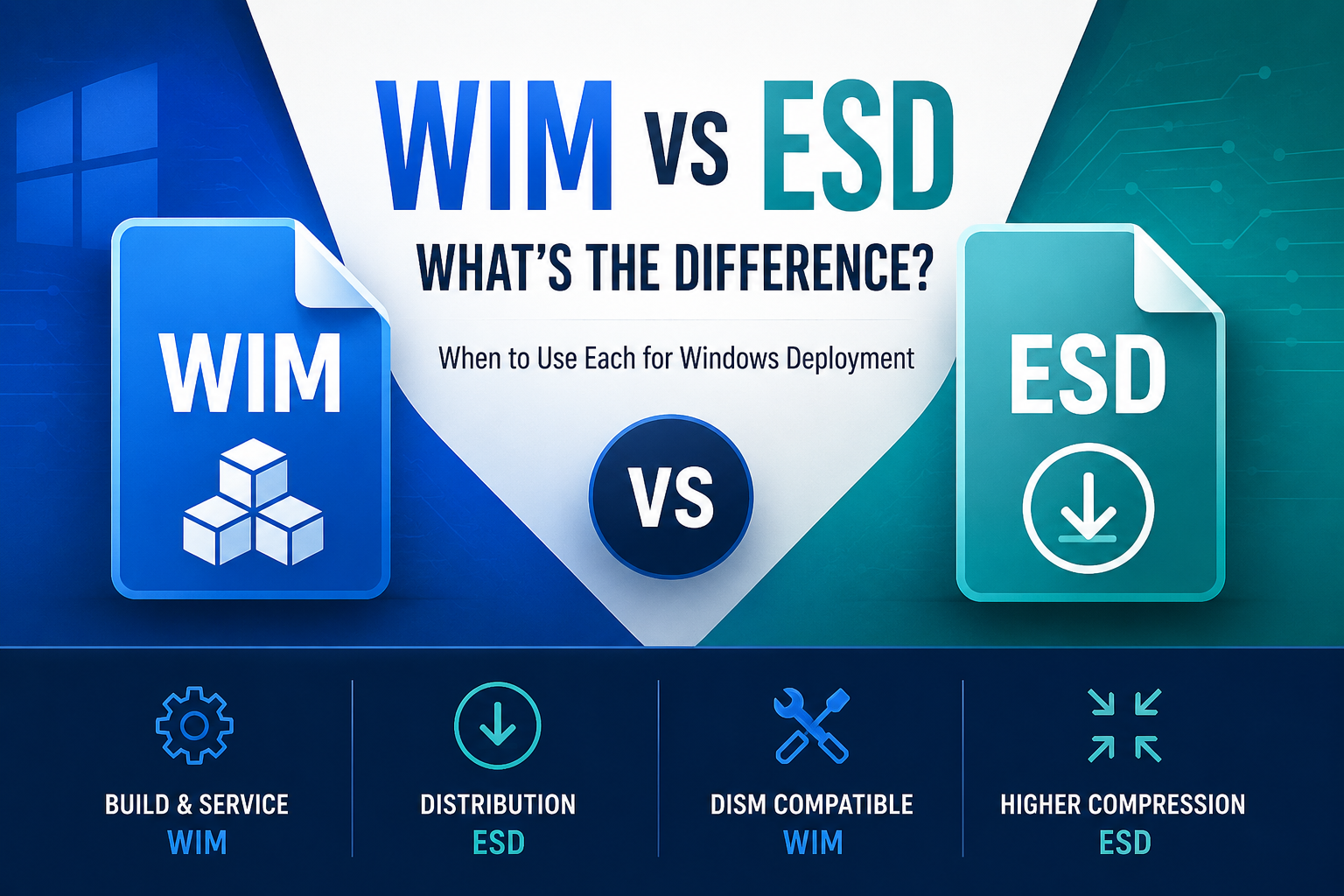
WIM vs ESD, What’s the difference and when should you use each?
When working with Windows deployment images, you’ll commonly encounter two file formats:
- WIM (.wim)
- ESD (.esd)
At first glance, they appear similar. They both store Windows operating system images, can contain multiple editions, and are used during installation and deployment.
However, they are not interchangeable in all scenarios. In practice, their differences affect how images can be serviced, modified, and deployed.
For that reason, understanding the distinction between WIM and ESD is essential when building, modifying, or maintaining Windows images.
WIM vs ESD at a Glance
If you’re deciding whether to use WIM or ESD, here’s the short answer. WIM is the preferred format for building, servicing and maintaining Windows images, while ESD is designed for distributing Windows installation media using maximum compression.
In summary:
- Use WIM for building, servicing and maintaining Windows images.
- Use ESD for distributing Windows installation media and reducing download size.
- WIM can be mounted and modified directly with DISM.
- ESD must typically be converted to WIM before offline servicing.
- Both formats can be used to install Windows.
What Is a WIM File?
A Windows Imaging Format (WIM) file is a file-based disk image format used by Windows for deployment and recovery.
It was introduced with Windows Vista and is still widely used in:
- Windows installation media
- Custom deployment images
- Enterprise imaging workflows
- Recovery environments
WIM files are flexible and designed to be:
- Mountable
- Serviceable
- Editable
- Modular
Key Characteristics of WIM
- Supports multiple Windows editions in one file
- Can be mounted and modified offline
- Supports single-instance storage (deduplicates identical files)
- Compatible with DISM and servicing tools
- Uses moderate compression
WIM is the standard format for engineers building and servicing custom Windows images.
What Is an ESD File?
An Electronic Software Download (ESD) file is a more highly compressed variant of the WIM format.
It is typically used for:
- Windows Update downloads
- Media Creation Tool installation files
- Online distribution of Windows
ESD files are optimised for distribution size rather than servicing flexibility. Since Windows 10, Microsoft distributes Windows installation media as highly compressed ESD files to reduce download size. Enterprise deployment teams commonly convert these files back to WIM before servicing, customising and capturing deployment images.
Key Characteristics of ESD
- Uses stronger compression than WIM
- Smaller file size
- Slower to mount and modify
- Often read-only in deployment scenarios
- Less convenient for image servicing
Because of its high compression, ESD files are more efficient for downloading but less practical for modification.
The Core Difference: Compression and Serviceability
The primary difference between WIM and ESD comes down to compression method and intended use.
WIM
- Uses LZX compression
- Easier to mount
- Faster to service
- Ideal for engineering and customisation
ESD
- Uses stronger compression (often LZMS)
- Smaller file size
- Slower to mount
- Better for distribution
In simple terms:
WIM is built for servicing.
ESD is built for delivery.
WIM vs ESD Comparison Table
| Feature | WIM | ESD |
|---|---|---|
| Full Name | Windows Imaging Format | Electronic Software Download |
| File Extension | .wim | .esd |
| File Size | Larger | Smaller |
| Compression | Fast (XPRESS/LZX/LZMS) | Maximum (LZMS) |
| Offline Servicing | ✅ Supported directly | ❌ Convert to WIM first |
| Mount & Service | ✅ Fully supported | ❌ Convert first |
| Multiple Images | ✅ Yes | ✅ Yes |
| Single Instance Storage | ✅ Yes | ❌ No |
| Split Images (.SWM) | ✅ Supported | ❌ Not supported |
| Capture Format | ✅ Yes | ❌ No |
| Microsoft Installation Media | Sometimes | ✅ Default |
| Best Use | Image engineering & servicing | Distribution & downloads |
Need to service an install.esd?
Because ESD files are read-only and heavily compressed with LZMS, you must export and decompress the specific index into a standard install.wim before mounting with DISM. Here is the exact PowerShell / DISM command to convert it…
Can You Convert Between WIM and ESD?
Yes.
- WIM → ESD
- ESD → WIM
using DISM from PowerShell or Command Prompt. Converting between formats is common when:
- Extracting install.esd from official media
- Preparing a serviceable image baseline
- Reducing final distribution size
Converting ESD to WIM (Recommended for Servicing)
If you have an install.esd file and want to modify or service it, convert it to WIM first.
Open PowerShell as Administrator and run:
dism /Export-Image `

  /SourceImageFile:install.esd `

  /SourceIndex:1 `

  /DestinationImageFile:install.wim `

  /Compress:max `

  /CheckIntegrity
Replace SourceIndex:1 with the edition index you want to export.
To list available indexes:
dism /Get-WimInfo /WimFile:install.esdAfter conversion, install.wim will be larger but fully mountable and easier to service.
Converting WIM to ESD (For Distribution)
If you want to reduce file size for distribution:
dism /Export-Image `

  /SourceImageFile:install.wim `

  /SourceIndex:1 `

  /DestinationImageFile:install.esd `

  /Compress:recovery `

  /CheckIntegrity
Using /Compress:recovery applies stronger compression suitable for ESD packaging.
Compression Options Explained
- /Compress:max → Standard compression (common for WIM servicing)
- /Compress:recovery → Stronger compression (recommended for ESD)
If you plan to service the image again, keep it in WIM format.
Why Deployment Engineers Prefer WIM
Although ESD can technically be serviced after conversion, most deployment engineers work in WIM throughout the engineering process because repeated exporting and recompressing ESD images adds unnecessary time and complexity. ESD is generally considered a delivery format rather than an engineering format.
When Should You Use WIM?
Use WIM when:
- Building custom Windows golden images
- Injecting updates or drivers
- Mounting images for modification
- Creating repeatable deployment workflows
- Maintaining servicing discipline
If you are servicing images offline, WIM is the correct format.
Its mountability and flexibility make it ideal for structured image engineering.
When Should You Use ESD?
Use ESD when:
- Distributing Windows over the internet
- Reducing download size
- Packaging final deployment media
- Optimising for storage constraints
ESD is better suited for final delivery rather than ongoing modification.
Performance and Deployment Considerations
Because ESD uses stronger compression:
- It reduces storage footprint
- It increases CPU overhead during extraction
- Deployment time may vary depending on hardware performance
WIM files, while larger, are often:
- Faster to mount
- Easier to modify
- More predictable in automated pipelines
In managed environments where deployment speed and repeatability matter, WIM typically offers more control.
Which Format Is Better?
Neither format is universally better. The correct choice depends on your goal.
If your priority is:
- Engineering control
- Image servicing
- Customisation
- Predictable deployment
Use WIM.
If your priority is:
- Distribution efficiency
- Download size
- Storage optimisation
Use ESD.
The key is choosing the right format for the right stage of the deployment lifecycle.
Have a question?
Frequently Asked Questions
Is ESD better than WIM?
Neither format is inherently better they are designed for different purposes. WIM is the preferred format for building, servicing and maintaining Windows images because it can be mounted and modified directly with DISM. ESD uses stronger compression, making it ideal for distributing Windows installation media and reducing download sizes, but it must typically be converted to WIM before offline servicing.
Can Windows install from a WIM?
Yes. Windows Setup is fully capable of installing Windows directly from a WIM file, and many enterprise deployment solutions use WIM as their primary installation format. Microsoft commonly distributes consumer installation media as ESD to reduce download size, but deployment engineers often convert it back to WIM before customising and deploying Windows images.
Why does Microsoft use ESD?
Microsoft uses ESD because it provides significantly better compression than WIM, resulting in smaller installation media and faster downloads. This is particularly beneficial for Windows Update, the Media Creation Tool and downloadable Windows ISOs, where reducing bandwidth and storage requirements is a priority.
Can DISM mount an ESD?
No. DISM cannot mount an ESD file for offline servicing. To modify the contents of an ESD image, it must first be converted to a WIM file using DISM. Once converted, the image can be mounted, serviced, updated and customised before being exported back to ESD if required.
Final Thoughts
WIM and ESD are closely related, but they serve different purposes.
WIM is designed for flexibility and servicing.
ESD is designed for compression and distribution.
In structured Windows deployment environments, understanding when to use each format helps maintain image integrity, reduce deployment friction, and avoid unnecessary conversion complexity.
The format you choose affects not just file size but how you manage the entire image lifecycle.
Need a Windows Image Built the Right Way?
If you’re converting ESD to WIM just to make an image serviceable, you’re already thinking like an engineer.
We build fully serviced, update-aligned Windows images designed for repeatable deployment, servicing winre.wim and Windows Recovery Environment properly for long-term stability without unnecessary post-deployment patch cycles.

Leave a Reply